Mid-Game Jam Showcase!

Last week was the first week of our current GAME JAM – which, if you weren’t aware, is a two-week long opportunity for our members to make their VERY OWN, CUSTOM GAMES

Hi again, coders and parents! As many of you may be aware, last week was the first week of our current GAME JAM – which, if you weren’t aware, is a two-week long opportunity for our members to make their VERY OWN, CUSTOM GAMES based around a preselected theme and share them with all their fellow members, being able play and give XP points to the ones they enjoy most!

It’s fantastic fun, and this time around we’ve been focusing on the Game Jam for the first week in our clubs rather than letting it be a solely independent thing – which has meant we’ve already seen some amazing games already, and we’re only halfway through!!! It’s all very exciting. And what better way to celebrate that excitement, and also our members’ hard work, than through a showcase!!

For some critical context, our theme for the current Game Jam is ‘Honey, I Shrunk the Code Zone’ – aka, our members have been challenged to make games based around the theme of shrinking down, or otherwise changing size. This has led to some marvellous miniature mayhem, and without further ado, let’s get into them! In no particular order:

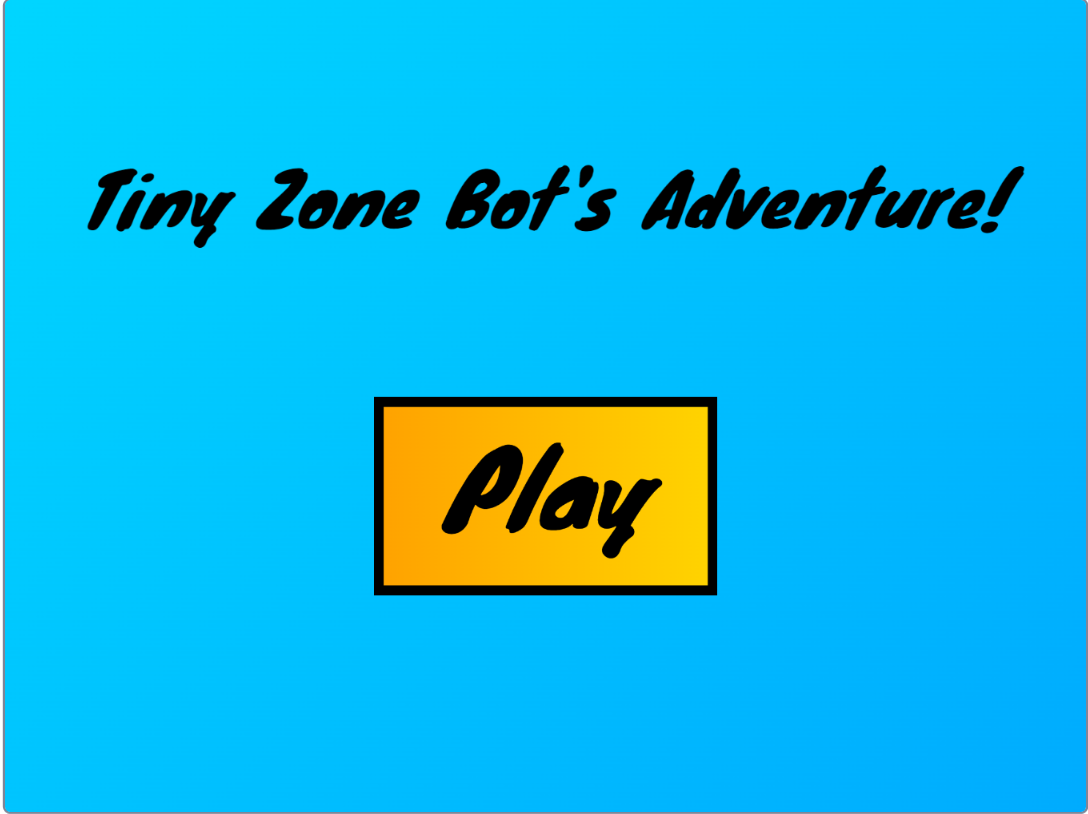
1)      Bram – ‘Platformer’

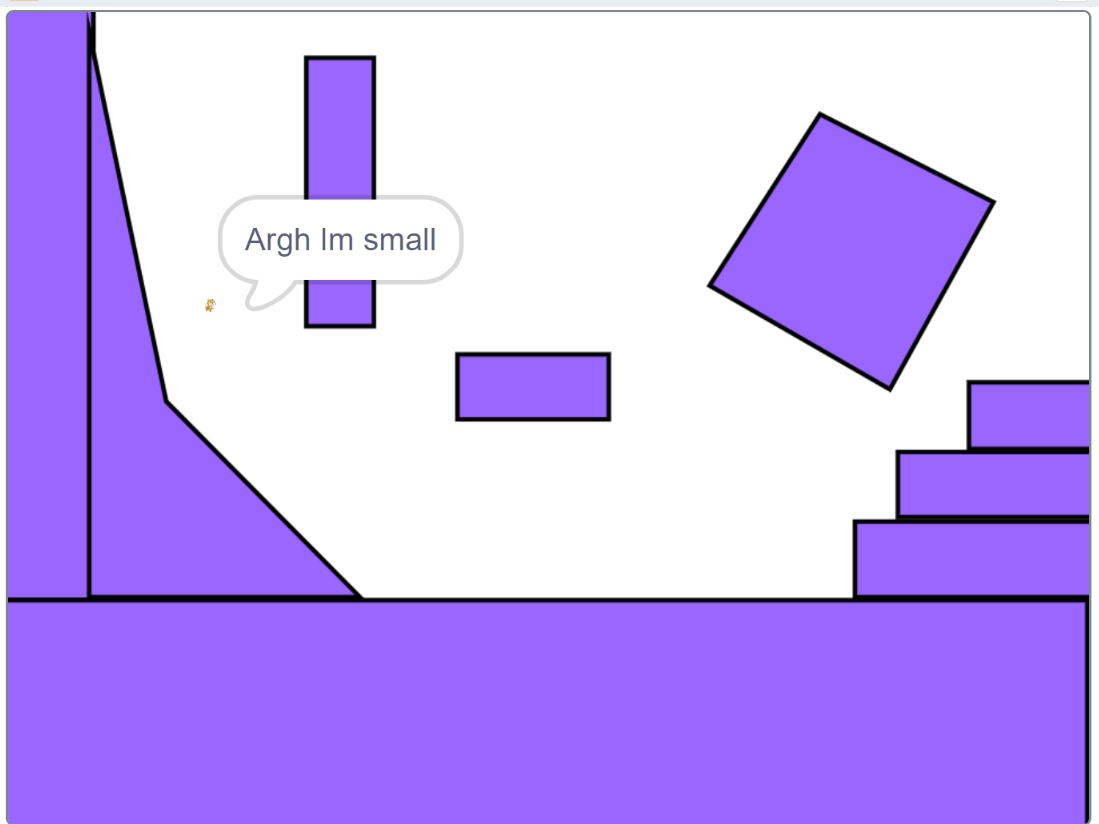
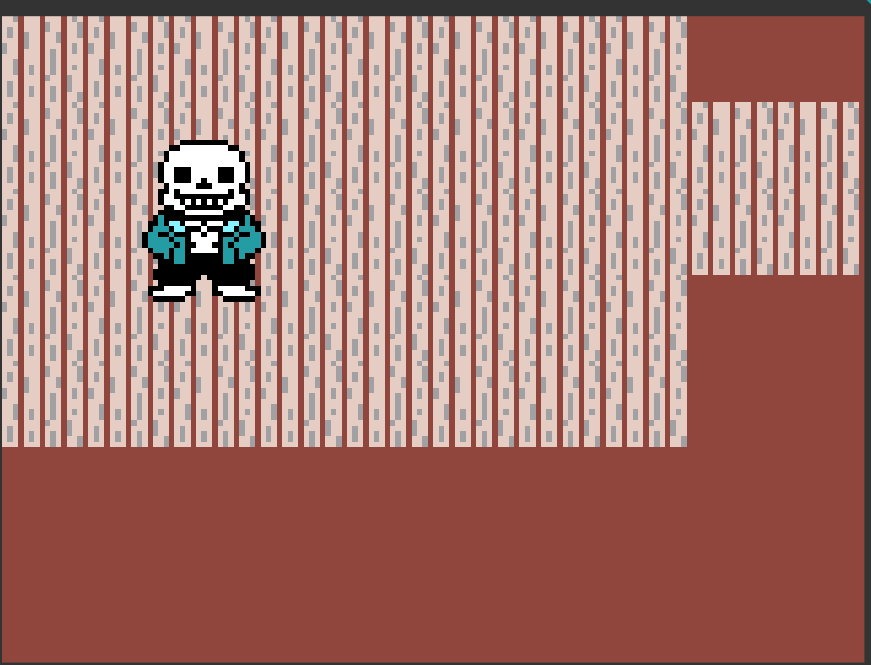
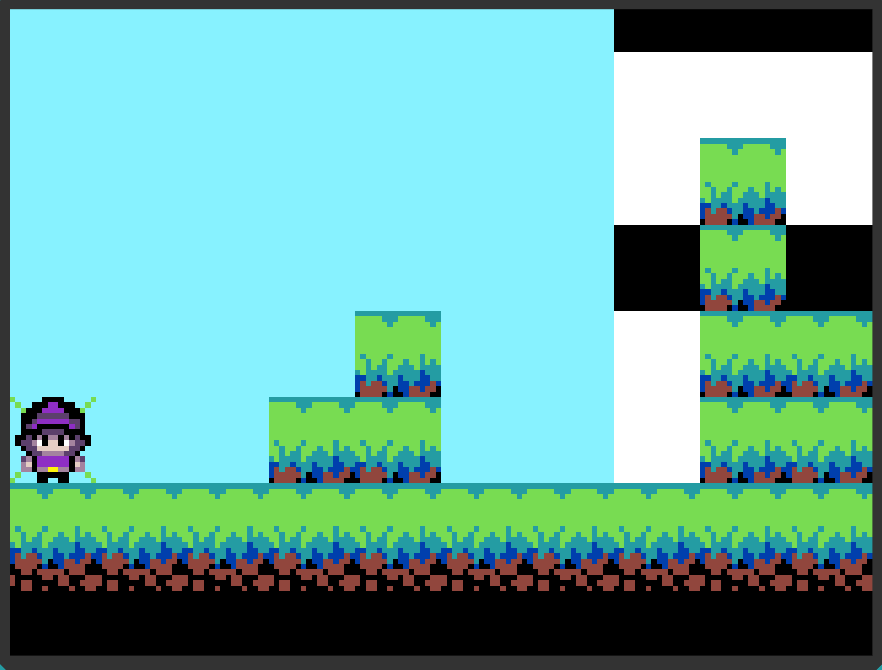
The first game in our showcase this week is from Bram! Bram has made a brilliant (and very advanced!) project completely by himself, which as the name suggests is a classic 2D platformer. In Bram’s game, we start playing as the iconic Scratch Cat – who has by chance decided to apply to work at The Code Zone, as his dialogue shows!!

I personally would love to welcome him onto the team. However, the poor kitty suffers a sudden bit of bad luck, and becomes absolutely tiny – not a good start to his career as a mentor!

We have to use the arrow keys to move him around and the space bar to jump over giant purple blocks, moving from one area to the next in the hopes we can find a way to get back to normal. It’s a brilliant adventure, and we love the story he’s put into it too! Super well done, Bram!!

Bram

  Xander – Spot the Basketballs!

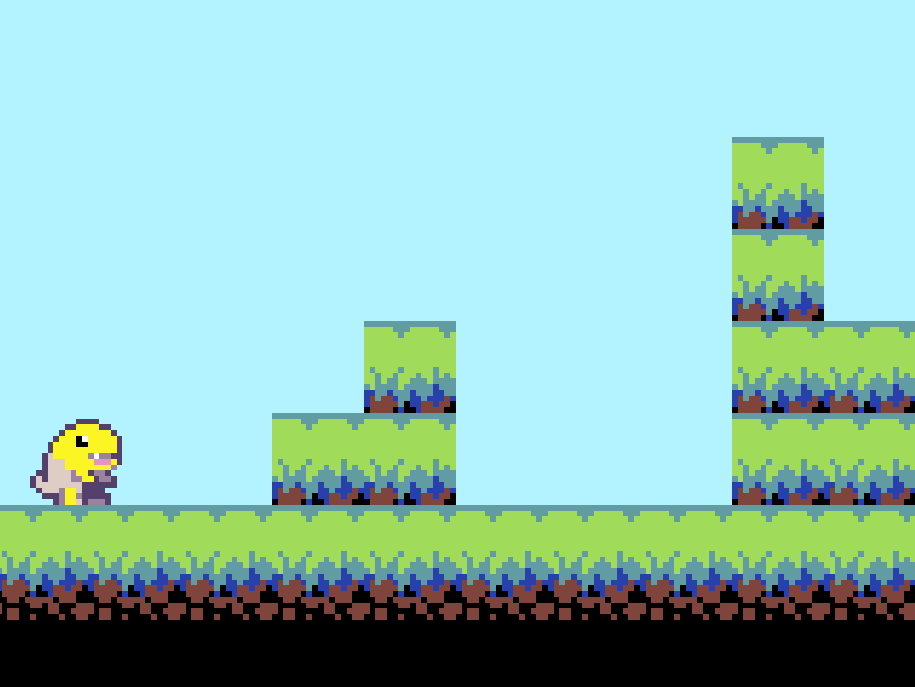
Next up we have a stellar game from Xander. Xander decided to put a cool sports theme on his game for the Game Jam, firstly putting in an amazing basketball court background and following it up with a very determined looking basketball player. But even though it looks like we’re playing as a pro on the court, Xander’s game is still full of challenge!!

The aim of the game is to click on the tiny, shrunken-down basketballs falling from the top of the screen. However, the challenge lies in the many other kinds of sports balls that are also falling down – constantly changing size from big to small! It’s a powerful distraction that hides those precious basketballs behind their size-shifting enemies, and certainly makes Xander’s game as cool as it is tricky! Awesome stuff from him!

Xander

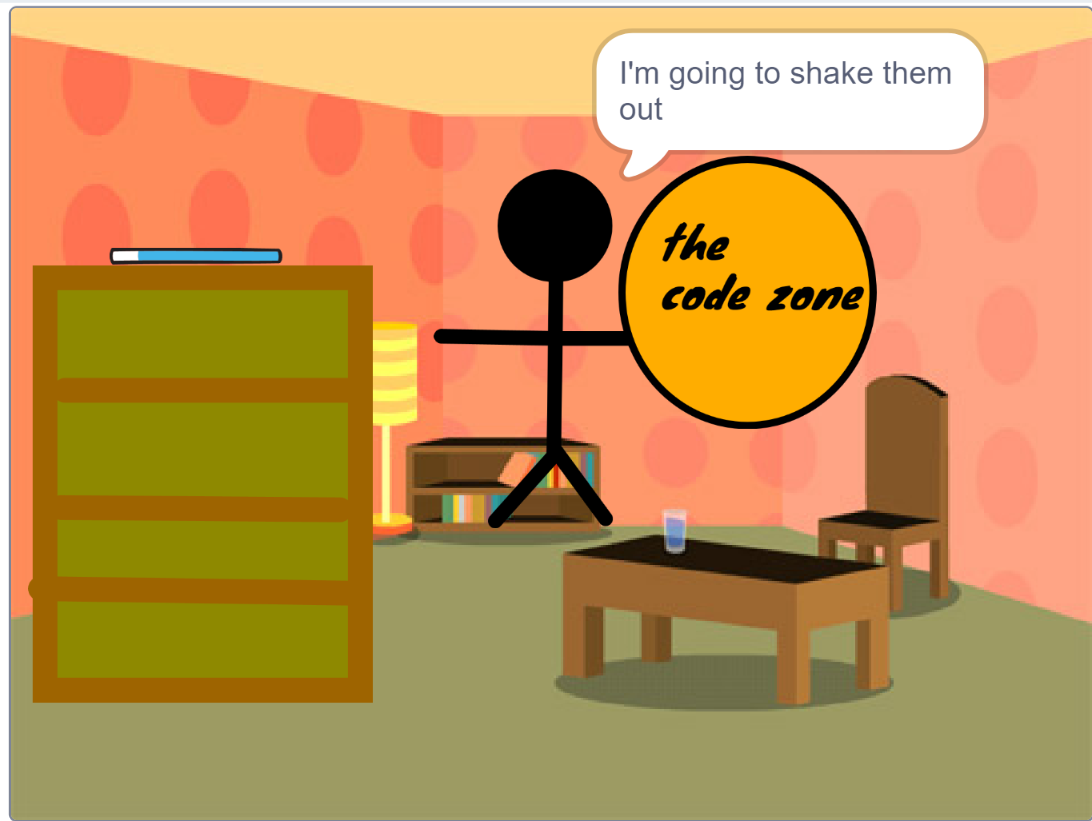
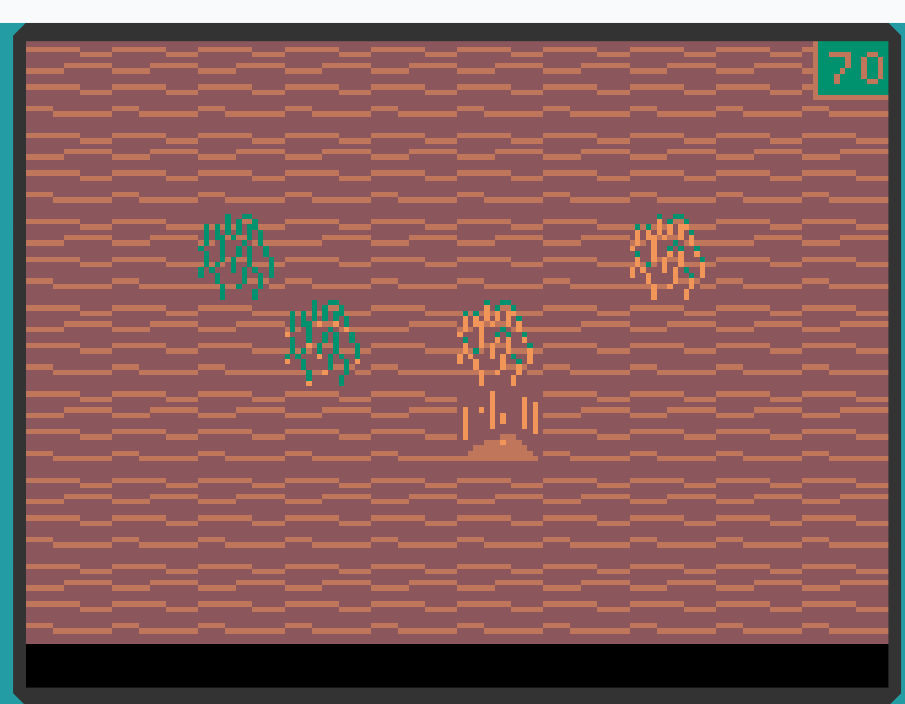
3)      Arthur – King Target and his minions!

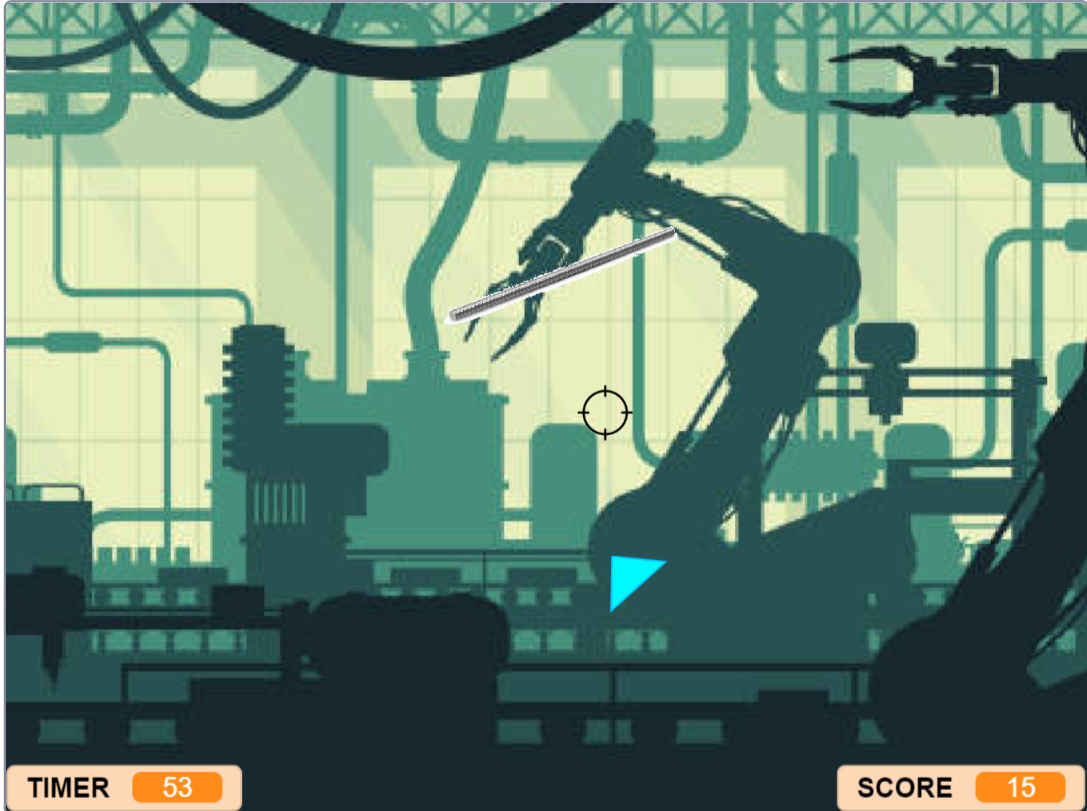
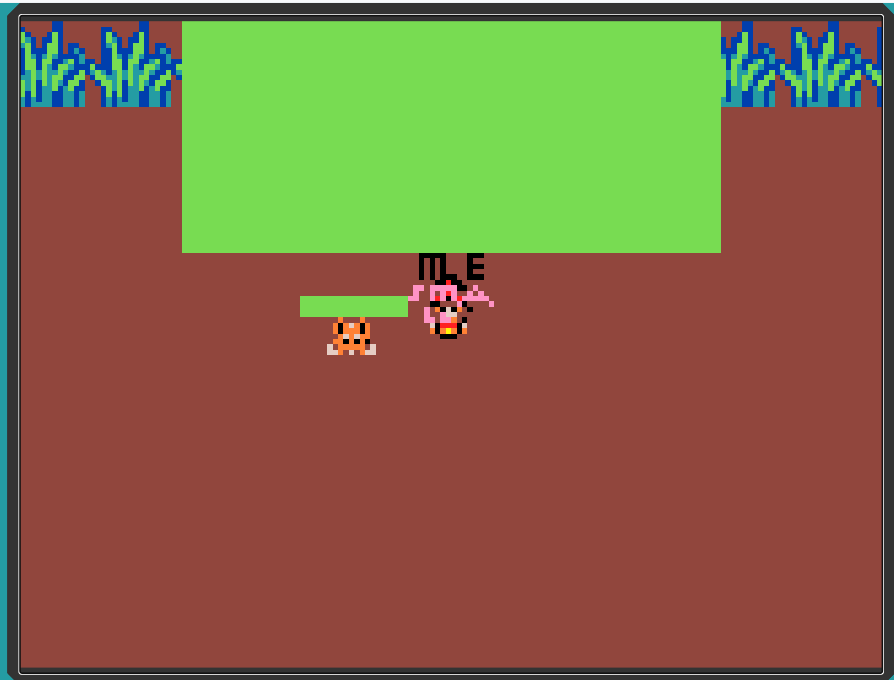
Arthur’s take on the Game Jam this week was also amazing! In Arthur’s game, we saw a gigantic target in the background, imposing and powerful with a crown resting on its head. And in the rest of the game, we were faced with legions of smaller targets, paying tribute to their Target King by taunting us with constant evil laughs – “Mwahahaha”s, to be precise!

By clicking on the targets though, we were able to banish them, gain points, and prove that overconfidence is dangerous when you’re up against the main character!

arthur


4)      Ariel – ‘Goodnight!’

The next game in our showcase is an Uber-Cute one from Ariel. Ariel came up with the fantastic idea to give her Game Jam project a wholesome and adorable theme. She did this by making a game where you have to click on some very fashionable looking rabbits, and ‘shrink’ them down to make them into baby bunnies!

These adorable bunnies then hopped over to their hutch where they went to bed, making it a calming game all about shrinking adult bunnies back into sleepy baby ones, a very creative way of using the shrinking theme with a unique twist. Fab job, Ariel!

Ariel

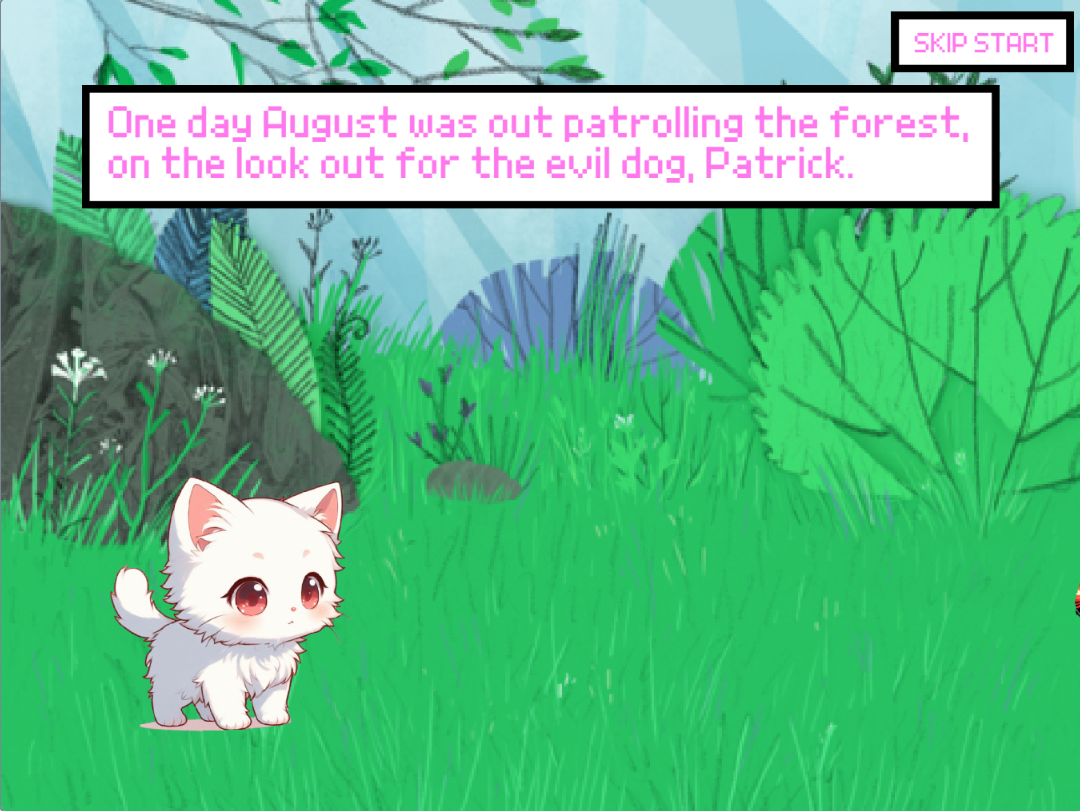
5)      Sarvun – Aliens Attack!

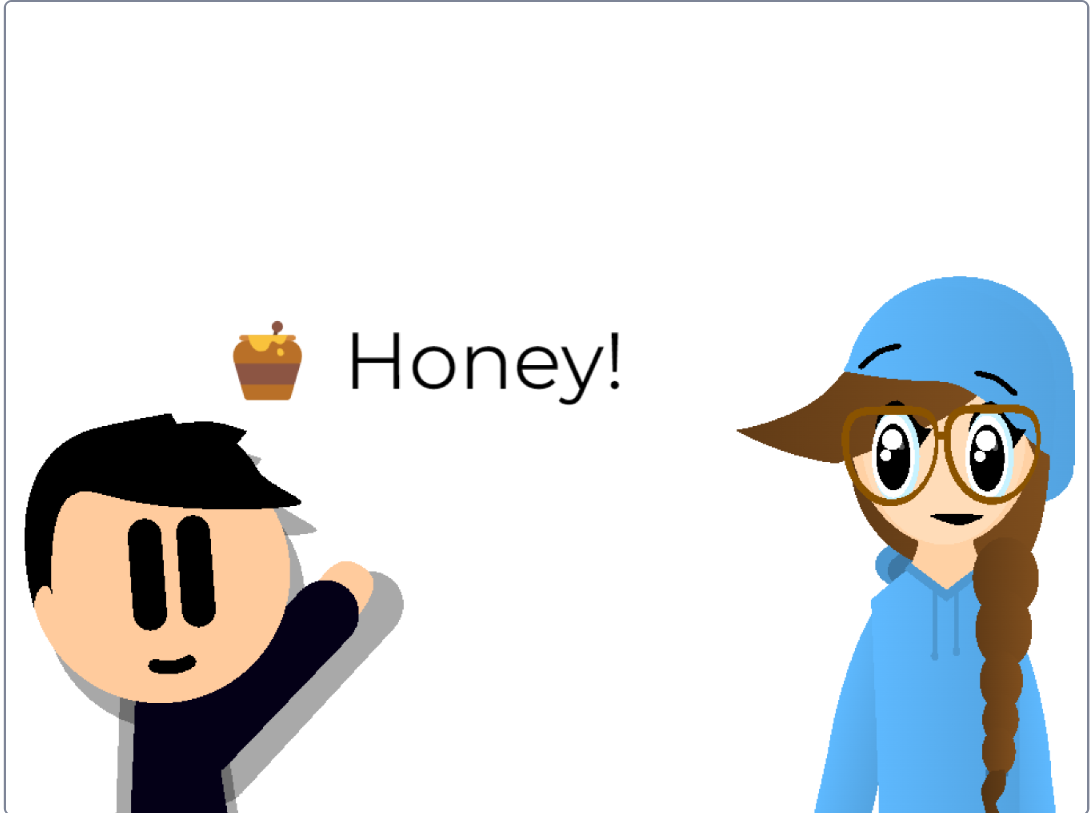
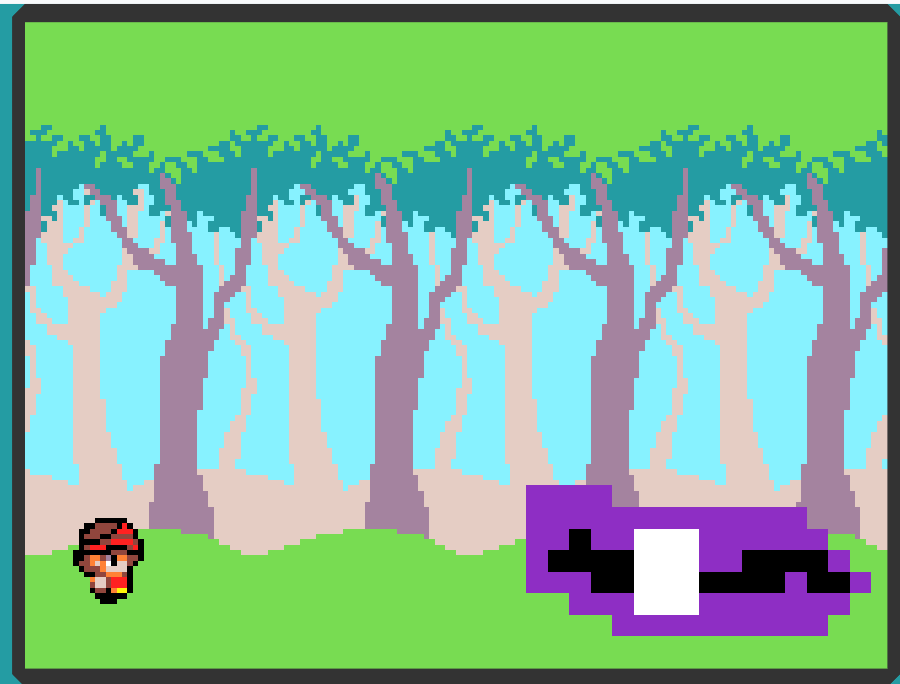
And the last game featured in our mid-Game Jam is an awesome one from Sarvun. Sarvun loved the fact that our Game Jams aren’t just about games, but also a chance to try your hand at animation too!

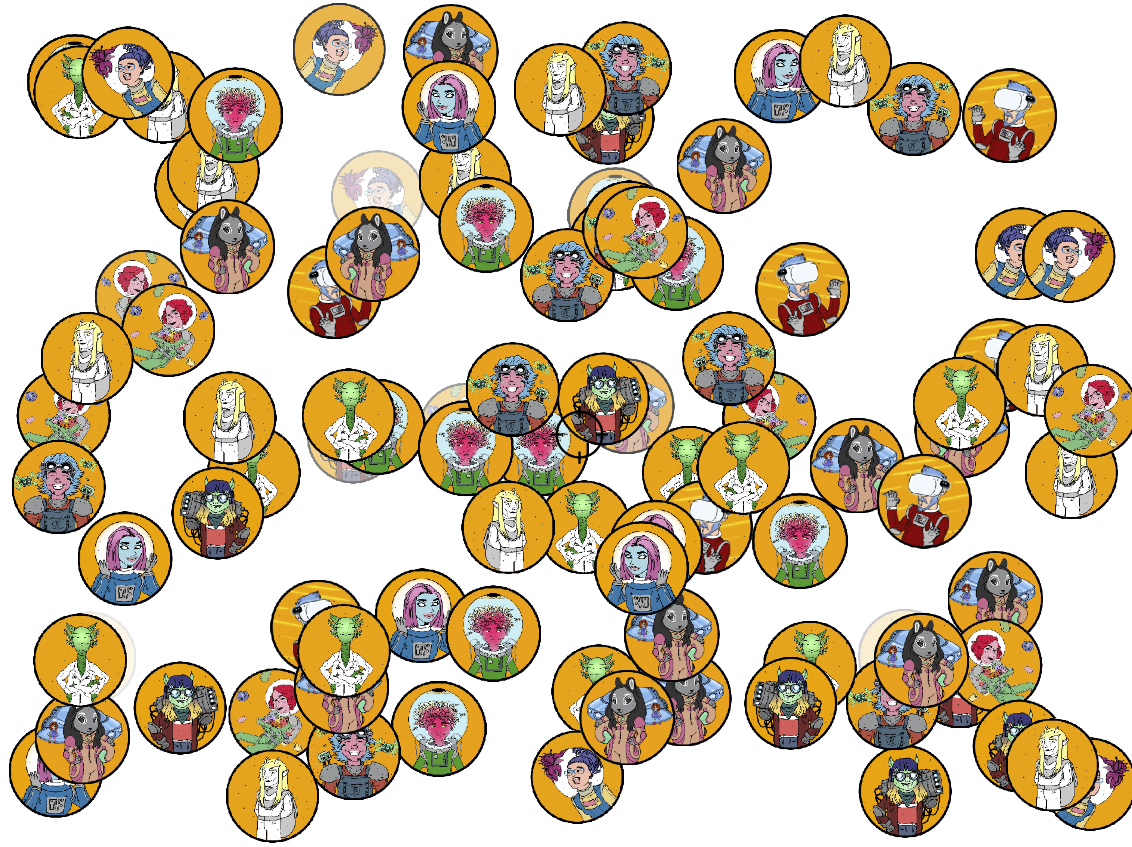
And so in the spirit of this, Sarvun designed an amazing opening cutscene for his game, where he is ambushed by a UFO, that attacks him with a shrinking ray in the blink of an eye! Shrunken down and in danger, we then have to click on the approaching enemies to try and survive as long as we can! It’s an epic adventure and the illustrations are absolutely awesome.

Sarvun

And unfortunately, that’s all we have time for today! As usual, it was so hard to pick which games to showcase (there’s just so many great choices), and don’t worry if yours didn’t make it – we’ll do more showcases again soon, and yours could be on that one, who knows. Just keep up the hard work with your coding.

Remember that to play any of these games, you can click on the Game Jam tab and click on ‘past jams’ to view all the submissions for this Game Jam or any of the past ones, and even play the games that us mentors have made! Be sure to give your fellow coders an XP point too by clicking on the XP star icon. We hope you enjoy the last week of the Game Jam, and we’ll see you again soon!

How a game jam works

  1. Six to eight weeks of club

    An hour a week, the same mentor, a group of no more than six. Over a term the pieces stack up: events, loops, variables, functions, and whatever else the thing they are building turns out to need.

  2. Then the holidays, and a theme

    We announce a theme and stop there. No brief, no worksheet, and no deadline you can fail. It is the one stretch of the year with an unbroken run at a single idea, which is why most of the building happens here rather than in the term.

  3. Then somebody else plays it

    Finished games go up on our own platform and on this page, where sharing between members is moderated by mentors. Other children play them and award XP. Having a stranger pick up the thing you made is the part that keeps children coming back.

The games our members made

56 games 56 makers 1,030 XP awarded by other members Built in MakeCode and Scratch

Every one of these is playable in the browser, no account needed. Have a go at a few.

MakeCode 55 XP (coding experience points)

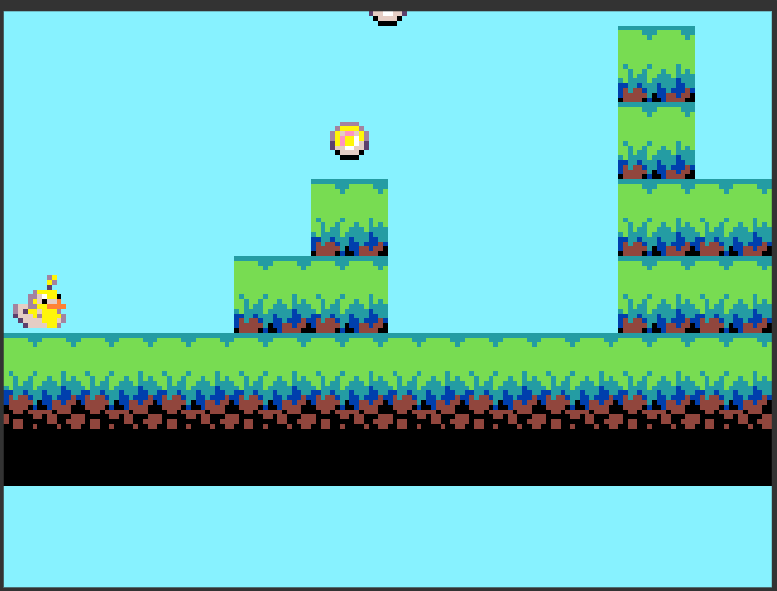
Shrinking adventure!

by TaishaKARANTH

Shrinking adventure! Indulge in a fantastic race to complete all 5 levels and become bigger as you go! Use the coins to…

Scratch 54 XP (coding experience points)

platformer

by Thornwormhole

MakeCode 50 XP (coding experience points)

robot king

by Dinosaur97

eheheheheheheheheheheheheheheheheheheheheheheheheheheheheheheheheheheheheheheheheheheheheheheheheheheheheheheheheheheheh…

Scratch 40 XP (coding experience points)

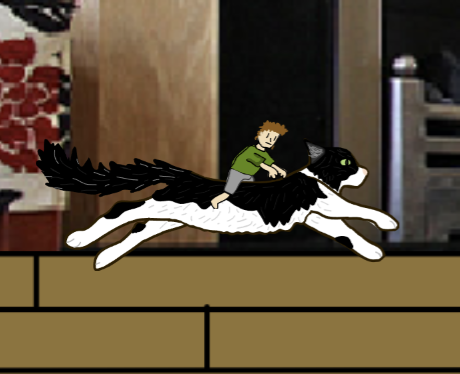
Cat Dash: Miniature Mischief

by PatrickMentor

Your nemesis, WIZARD WAYNE, has returned and revealed himself to be why you shrunk down to the size of an ant! With your…

Scratch 30 XP (coding experience points)

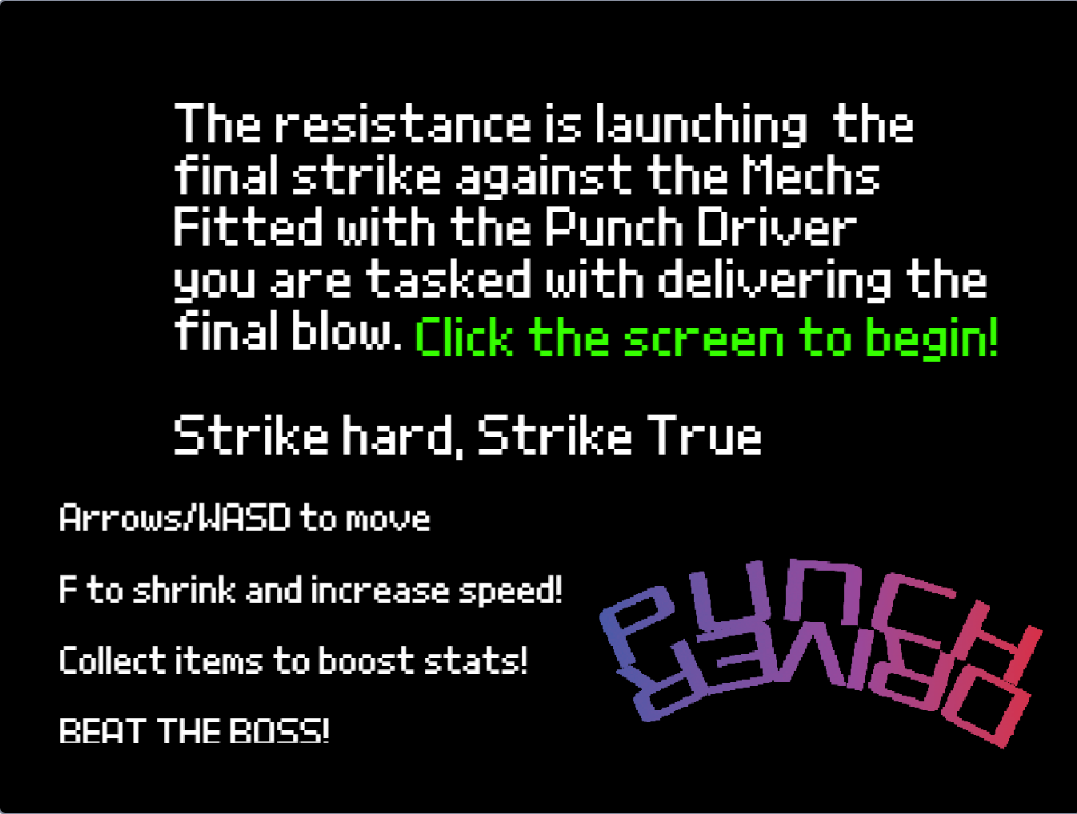
Punch Driver

by Luna4

Arrows/WASD to move, space to fire, F to shrink!

Scratch 25 XP (coding experience points)

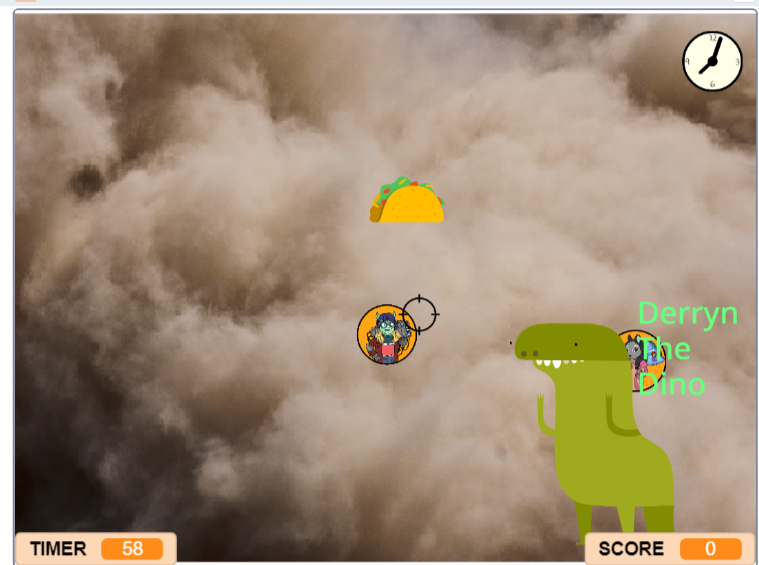
Honey I Shrunk The Code Zone!

by DerrynRees

Hello!, click on the clock for extra time, the taco removes everything and most importantly i know its tempting but…

Scratch 21 XP (coding experience points)

123456789

by Alexander16

Scratch 21 XP (coding experience points)

fun game

by Louis9

Scratch 20 XP (coding experience points)

Honey I Shrunk The Code Zone!

by TomasLatham

you nead to ./,lp ;; /]; = p=-p- [] p;# ]'[ 41 84 8 .';'] '; ] [= = =- 9 6 4

Scratch 20 XP (coding experience points)

Honey I Shrunk The Code Zone!

by noahb1210

in this game dragons are attacking the castle and you must use a shrink gun to shrink the dragons

Scratch 20 XP (coding experience points)

Emoji Clicker

by Rory11

Click the happy emoji to get points, but sad will take 1 point, angry takes 5 and devil resets it completely! But there…

Scratch 20 XP (coding experience points)

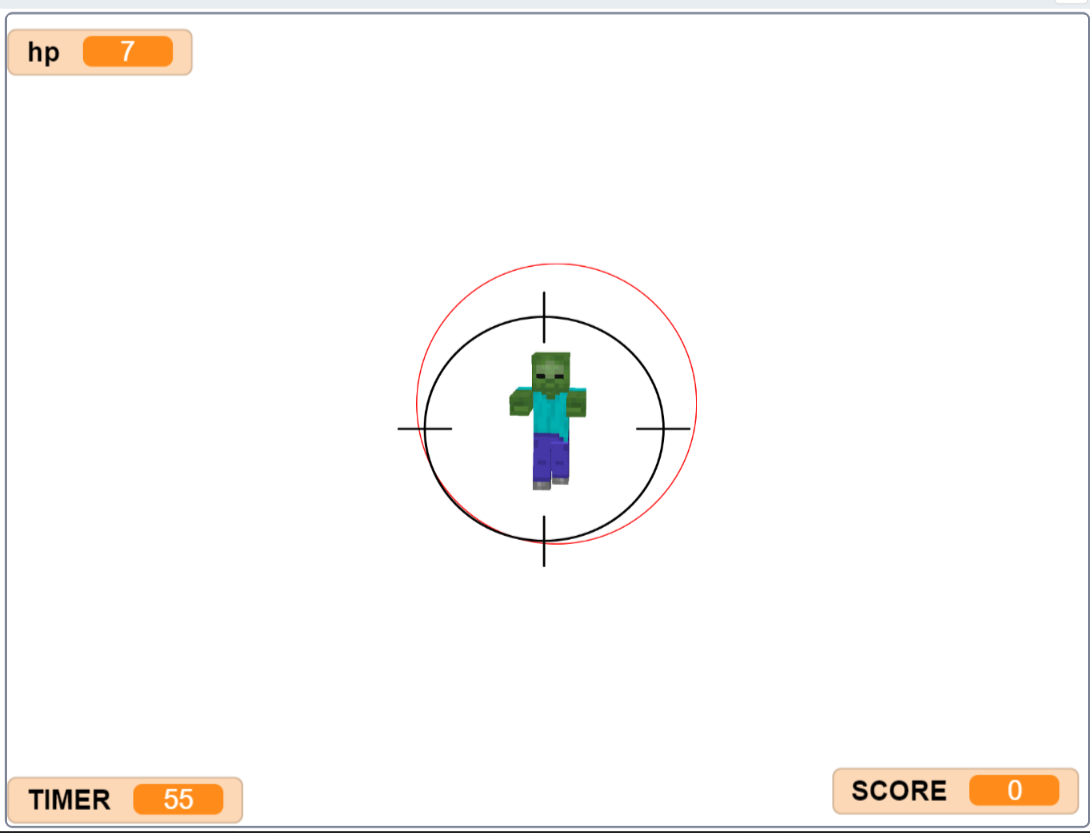
target practice

by Edward7_64

click to catch as many red tagrets as you can, but beware the green.

Scratch 15 XP (coding experience points)

Isla's version!

by IslaMcAuliffe

Work in progress, press the play button to start :)

Scratch 15 XP (coding experience points)

Honey I Shrunk The Code Zone!

by Jack27

click the target as fast as you can make sure you keep an eye on your timer if it runs ou it is GAME OVER!!!!!!!!!!!

Scratch 14 XP (coding experience points)

August Grows

by Runa

Not finished.

Scratch 13 XP (coding experience points)

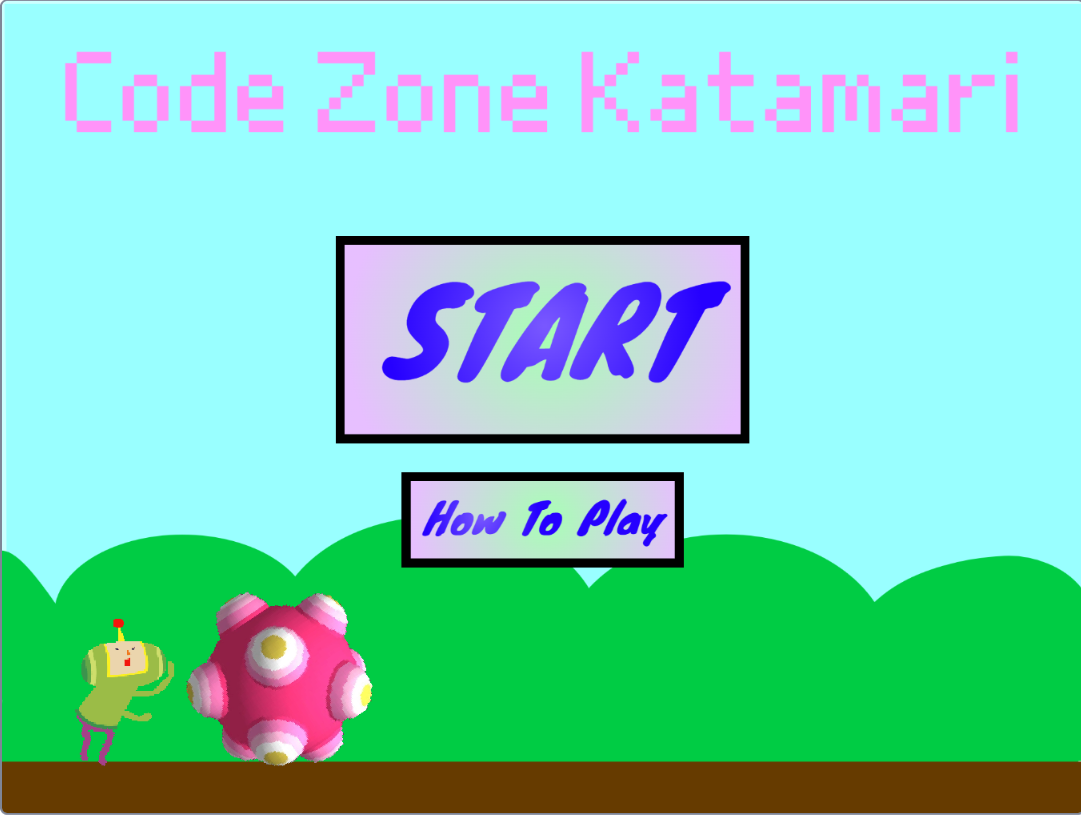
Code Zone Katamari

by PhoebeMentor

Use the arrow keys to move - collect as much stuff as possible! :D

Scratch 12 XP (coding experience points)

Honey I Shrunk The Code Zone!

by OliverSmith.NGAL

The mentors have come to attack the city during the night. They are using code blocks as their weapons. Click the…

MakeCode 6 XP (coding experience points)

Honey I Shrunk The Code Zone!

by Liam Mentor

The Mentors at The Code Zone have been shrunk! It's up to Liam to find the mentors at get back to normal size to get ack…

MakeCode 4 XP (coding experience points)

Shrink The Code Zone!!!

by TobyRichardson

Just shoot your shrink ray at the code block. See what happens...

MakeCode 3 XP (coding experience points)

i got shrunk!

by Harry14

this is a game jam project. plot: i got shrunk! controls: arrow keys to move. goal: to get the highest score. have fun!

Scratch 3 XP (coding experience points)

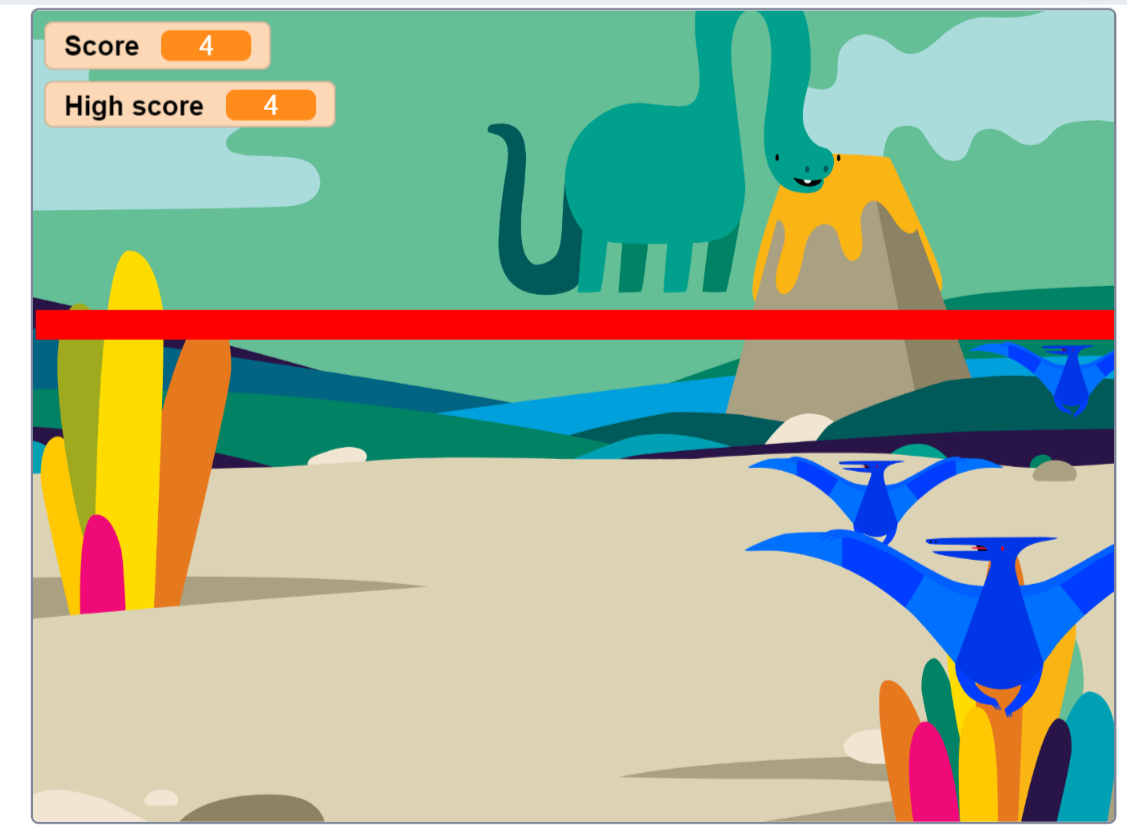
Shrink the dinosaurs!

by LeoR

Shrink the dinosaurs by hitting them with the shrink ray before they get to the side!

MakeCode 1 XP (coding experience points)

smol game dat gets bigga

by Olliecroney

jus eerr beat it den it get bigga or smthin loike dat :l

MakeCode 1 XP (coding experience points)

Shrinky gaame

by Le real real Lewis

Click to spend score to grow carrot. WARNING: carrot can die. DO NOT play game if carrots dying makes you sad. this game…

Scratch

archerland

by Gus

move your mouse to shoot the target

About our game jams

A game jam is a themed build: we announce a theme, and children across the clubs spend a few weeks making something from it. There is no brief beyond the theme and nothing to finish by a deadline you can fail. Children share what they made on our own platform, where chat and sharing between members is moderated by mentors.

Jams run alongside the ordinary weekly clubs rather than instead of them. A Game Dev Club session is one hour a week, in a group of no more than six, with the same DBS-checked, STEM-certified mentor each week.

Children build their own games rather than working through a set course, starting in Scratch or MakeCode and moving to Python and TypeScript when they are ready.

Past themes have included Evolution, Elemental Powers, The Wall of Doom and Strange Sports, and the results range from a two-screen platformer to something genuinely strange that only makes sense to its author. Both count. A jam is the one point in the year where the brief is deliberately loose, which is when children who normally follow instructions carefully surprise everybody.

Mentors write a note on every child after every session, which is how we know when somebody is ready to move up a level, or would rather stay where they are. Levels move down as readily as up, so the work always fits.

More than a third of our members are autistic or have ADHD, based on what parents tell us when they join, and in 2025 we received the Autism Inclusion Award from the National Autistic Society.

Children can keep the camera off, type instead of speaking rather than being put on the spot, take a break without it disrupting anyone, and step away and come back.

Jams tend to be where that matters most: a deadline nobody set and a theme nobody has to interpret the same way is a much easier place to take a risk than a classroom is.

Live clubs run online across the UK and in person across Essex, Hertfordshire, Cambridgeshire and Suffolk. Over 1,000 children are enrolled. In 2026 we were ranked second in the UK in Club Hub UK’s Top 100 Children’s Activity Providers, scored by five independent judges on safeguarding, inclusivity and community impact.

More like this

The blog is in two halves. Guides are the evergreen explainers written by the mentors who teach the clubs, covering the questions parents actually ask: what comes after Scratch, how to support a coding-mad child when you cannot code yourself, and what works for autistic and ADHD children.

Club news is the other half, and it is where posts like this one live: game jams, Minecraft builds and weekly roundups, written up by whoever ran the session. Neither is marketing. If you want to know what an hour actually looks like before you book anything, club news is the more honest read of the two.

The first session is a free taster and we do not ask for card details. Book a free taster session, see what it costs, or read about support for neurodivergent children.

Chat to our mentors