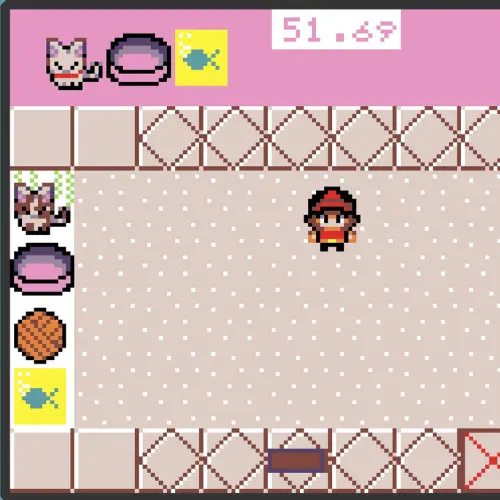
This week in Modders, we have a brand new game called ‘Kitchen Chaos’
Welcome back to another fun week at Game Dev Club - I hope you're all wrapping up warm this October!
This week in Modders, we have a brand new game called ‘Kitchen Chaos’ - this game is perfect for anyone a fan of Over Cooked! This game takes place in a kitchen where the player controls a cook who is assigned a recipe to cook. Moving the cook with the arrow keys, the player navigates the cook through the kitchen to pick up ingredients needed for the randomly generated recipe before setting it on a plate ready to be served.
For our Guided Hack, we wanted to add more kitchen-like elements to our game so we decided to implement a cooking mechanic. We added a new variable called ‘prepared_ingredients’ which held a new array of items which included “cooked meat”. We assigned the cooking function to the B button which meant if the cook was within a certain amount of pixels of the newly created pan and was holding the raw meat, then the sprite asset would swap to the cooked meat image when the B button was pressed. Raw meat could no longer be added to the plate, however cooked meat could - much tastier!
We will be doing a new hack for Kitchen Chaos next week, but until then be sure to check out the Sprite Data Coding Skill which will show you how to add different data to variables in written Python.
About The Code Zone Academy
Posts like this one are written by the mentors, about what members have been building. The Game Dev Academy has no fixed session time: a new build goes up every week and a child opens it whenever they are ready, with a STEM-certified mentor answering by text and video message when they get stuck.
Children build their own games rather than following a set course, starting in Scratch. Levels move down as readily as up, and staying where you are is a perfectly good outcome. Every mentor is background-checked and STEM-certified.
The blog is in two halves. Guides are the evergreen explainers written by the mentors who teach the clubs, covering the questions parents actually ask: what comes after Scratch, how to support a coding-mad child when you cannot code yourself, and what works for autistic and ADHD children.
Club news is the other half, and it is where posts like this one live: game jams, Minecraft builds and weekly roundups, written up by whoever ran the session. Neither is marketing. If you want to know what the work actually looks like before you sign up to anything, club news is the more honest read of the two.